|
|
| |
|
|
 |
| |
| |
|
Intermediate |
|
| |
|
|
Quick
and Easy Gel Buttons in Canvas™ 7
Part Five |
 |
|
|
|
|
|
|
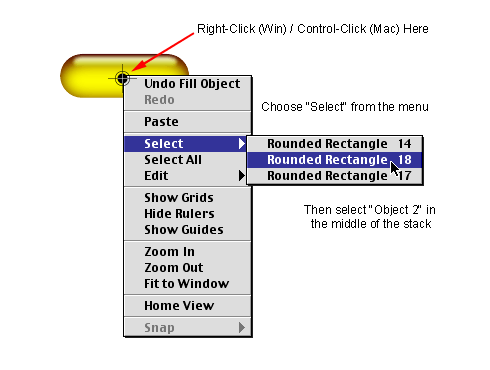
20. Click away to deselect all objects. To select the
object in the middle of the stack ("Object 2")
right-click (Windows®) or
Control-click (Mac®) to access
the context menu once again. Choose the middle one in
the menu.
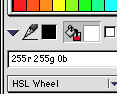
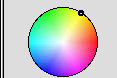
21. Bring up the Color manager as in a
previous step.
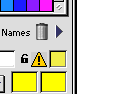
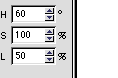
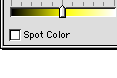
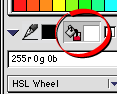
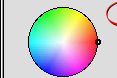
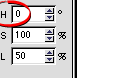
22. Once again, change the value of the
hue from 60 to zero (circled below bottom). Make sure
the Fill icon is depressed (circled below top) then
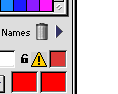
click "Apply". The color of "Object 2"
will change to bright red
Click
Here To Continue...
|
|
|
|
|
| |
Previous
Home
Contact Mike
Related Sites
Next
Copyright
© 1998-2016 Mike Doughty, All Rights Reserved Legal
Notices
Page Last Revised: October 26, 2016
Privacy Policy
|
|
|
|
|
|
|
|