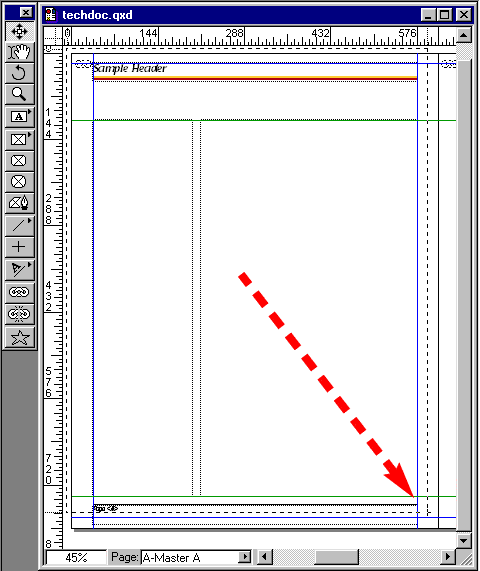
60. With the Item Tool drag a marquee from the upper
left corner to the lower right corner of the page to
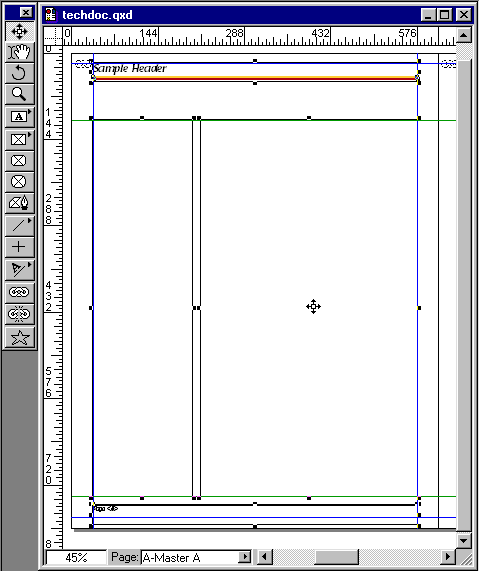
select all the objects on the page.
Tip:
With Quark™ you don't have to totally surround
an object to select it. You can select any object
by clicking or dragging anywhere within the object's
bounding box.
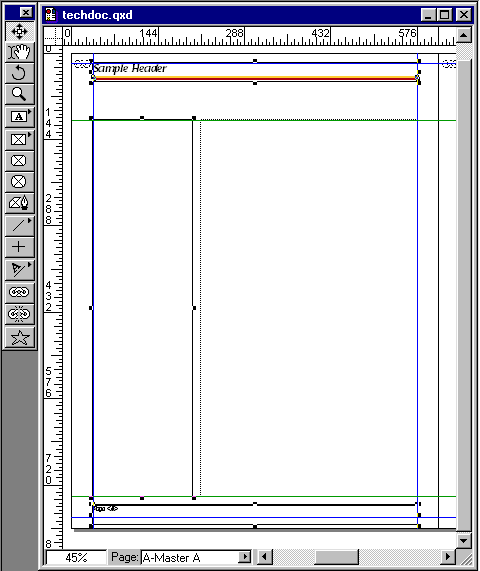
61. Position the cursor over the main text box and Shift-click
the mouse to deselect it.
Tip:
Sometimes it is easier to select extra objects,
then deselect them.
62. Press Ctrl-C (Windows®)
or Cmd-C (Mac®) to copy the
selected objects.
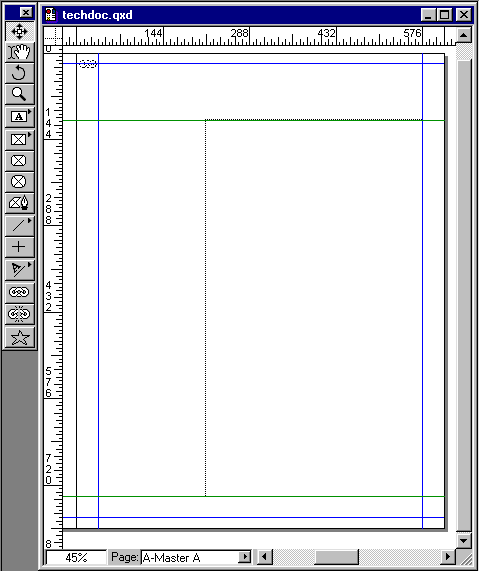
63. Scroll to the left master page using Alt-drag (Windows)
or Option-drag (Mac). You might be wondering why we are
not replacing the main text box by pasting a copy from
the other page. Doing so will break the linked text chain
established when the document was first created. Still,
we could re-link the text chain to the pasted text box.
Either way would be all right.