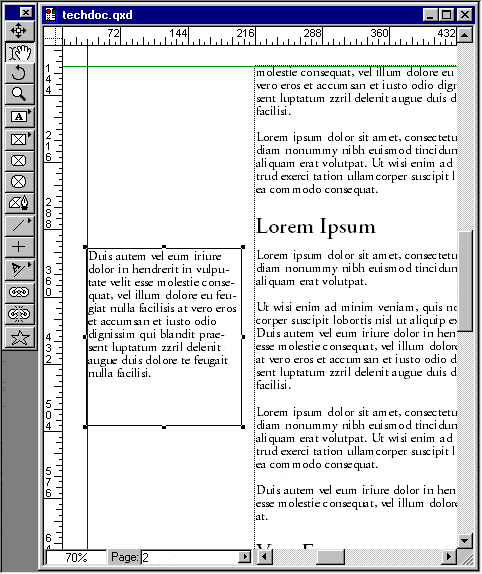
39. Click the Content tool in the new text box and
press Ctrl-V (Windows®) or
Cmd-V (Mac®) to paste the
text into the box.
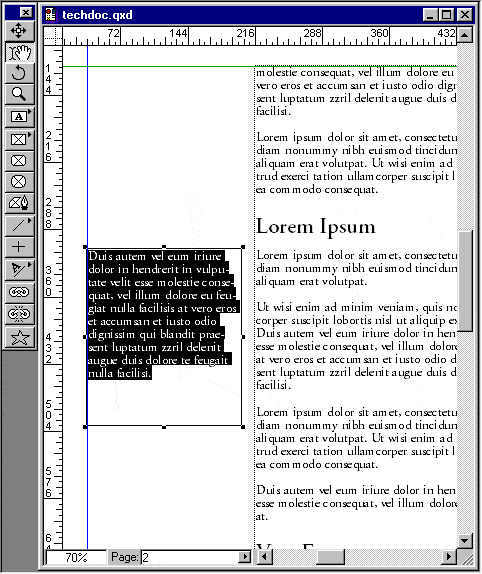
40. We want to set this text apart from the body copy
so we'll use a different typeface. Quadruple-click the
mouse (click four times) to highlight all the text in
the the box.
41.
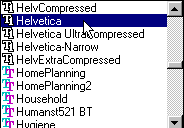
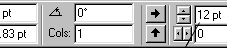
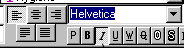
In the Measurements palette, select 12 point Helvetica
Italic, with 12 points of leading.
42. Next, we are going to give this sidebar a colored
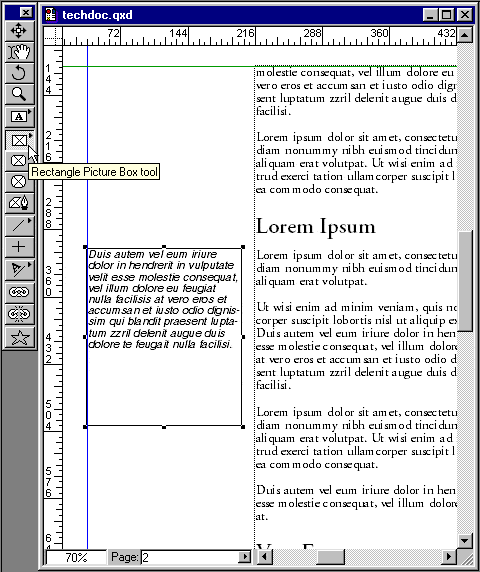
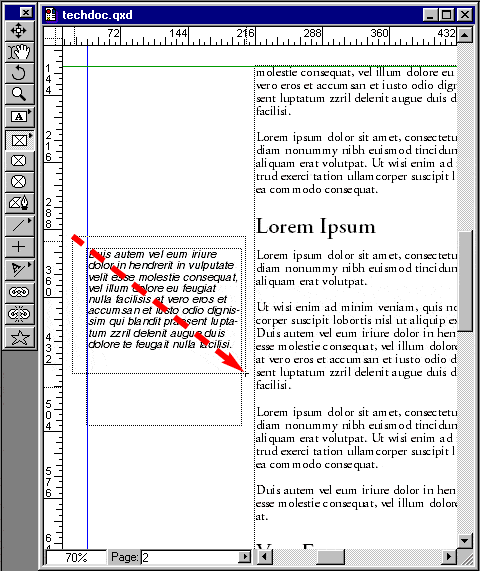
background. Select the Rectangular Picture Box tool.