Return To Technical Manual Project Index
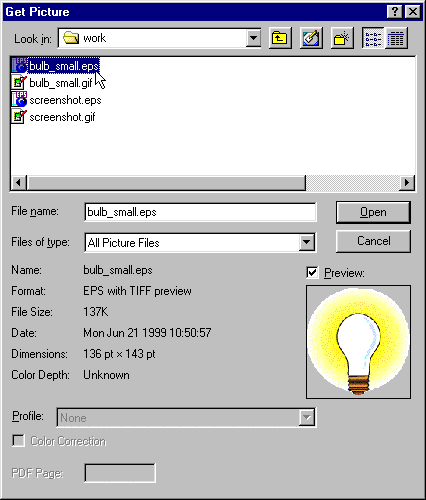
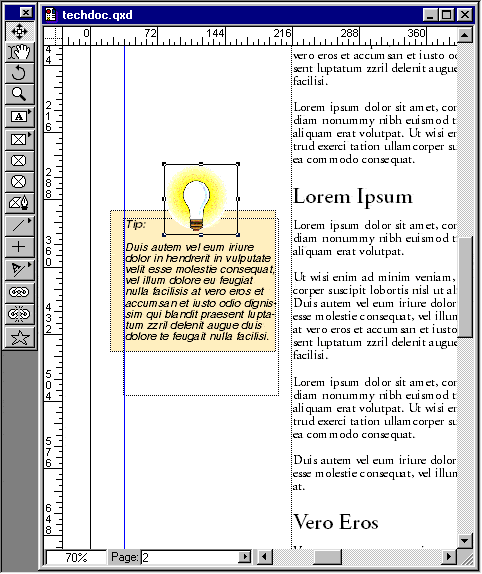
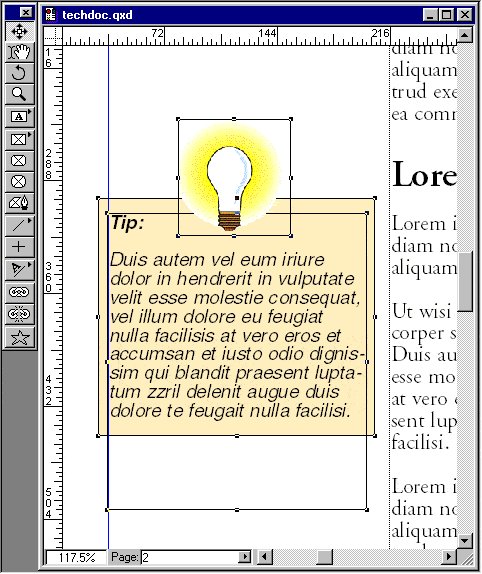
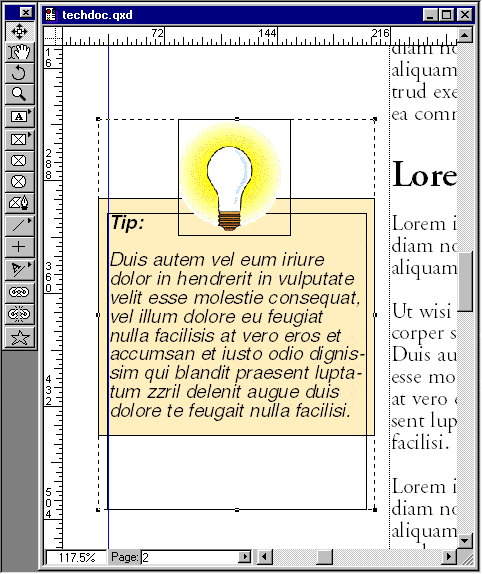
53. Select "bulb_small.eps" and click "Open". 54. In the Measurements palette enter a scaling factor of 50% for both the x and y values. 55. It's starting to look pretty good... 56. Select all three of the sidebar objects... 57. Then click Item > Group to group them. Next you'll position the sidebar vertically until it looks appealing.
Click Here To Continue...
Previous Home Contact Mike Related Sites Next