77. Navigate to page two and using the Text tool
select some "lorem ipsum" from the text. Click
Edit > Copy to copy it to the Clipboard.
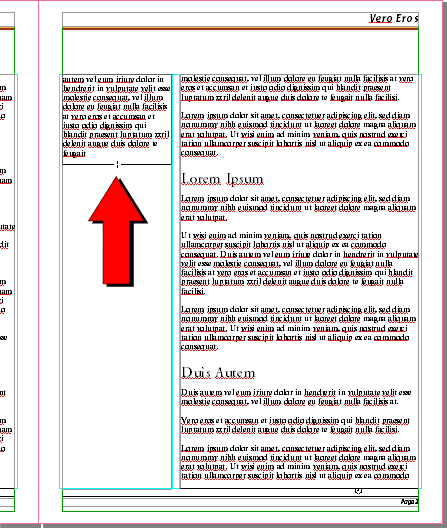
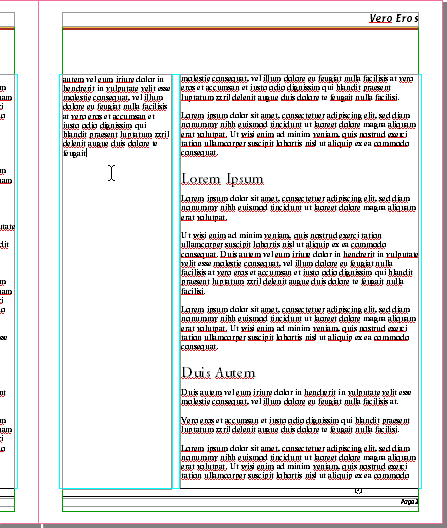
78. Click once inside the left hand column to create
a text object, then click Edit > Paste to
paste the text into the new text object.
79. Using the Selection tool
drag the bottom handle of the text object upwards to
shorten it.
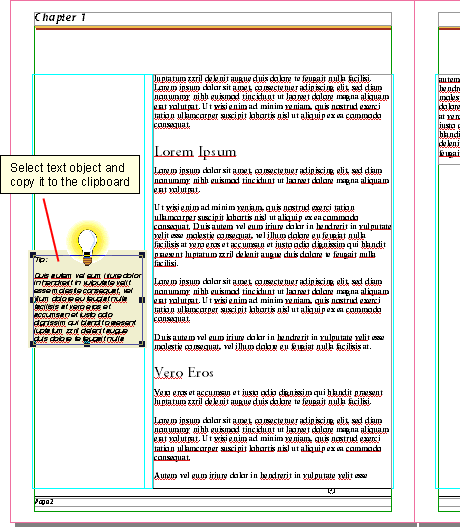
80. Now we're going to do something
really cool. Navigate to page two and select the text
object in the left column, then copy it to the Clipboard
by clicking Edit > Copy.
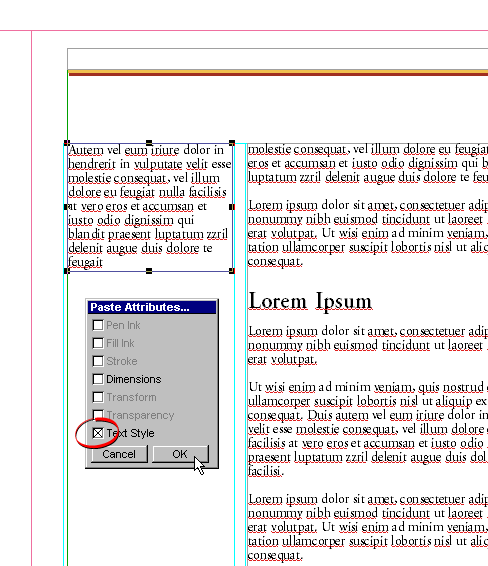
81. Return to page three and select the new text object
and click Edit > Paste Attributes. In the
dialog, click the box to paste the text style attributes.
Click "OK" when done.
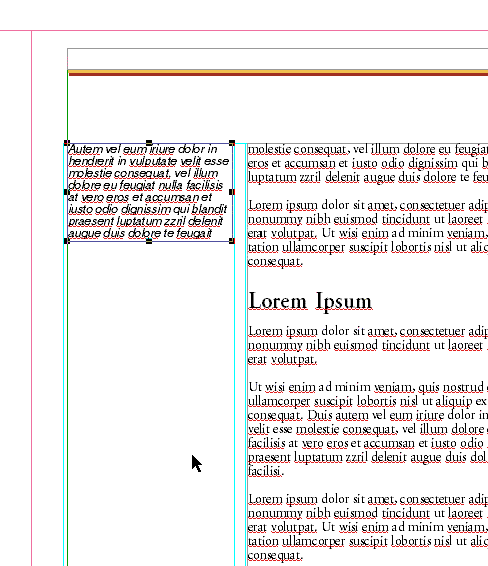
82. The new text object will have the same text attributes
(font, point size, leading, color, etc.) as the one
it was copied from. This is a quick way to copy the
text formatting from one object to another.



 select some "lorem ipsum" from the text. Click
Edit > Copy to copy it to the Clipboard.
select some "lorem ipsum" from the text. Click
Edit > Copy to copy it to the Clipboard.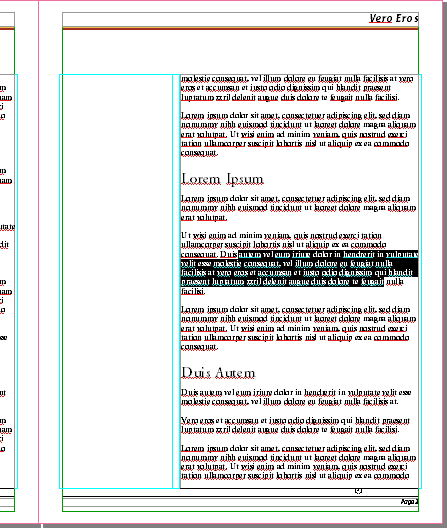
 drag the bottom handle of the text object upwards to
shorten it.
drag the bottom handle of the text object upwards to
shorten it.