|
|
| |
|
|
 |
| |
| |
|
Intermediate |
|
| |
|
|
Coffee
Cup Animation Part Four
Creating The Frame Images Continued |
 |
|
|
|
|
|
|
19. Select the right steam column and drag upwards
slightly.
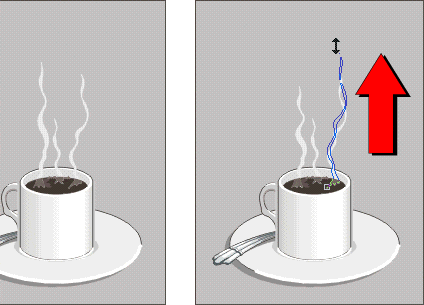
20. Then select the center steam column and drag upwards
slightly.
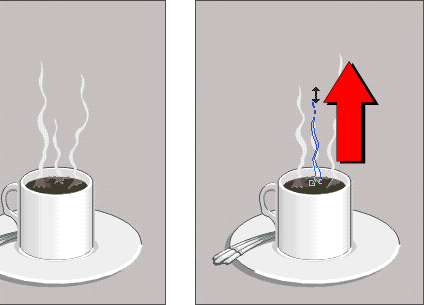
21. You are now ready to export the second frame. Using
the Pick Tool, marquee-select the frame.
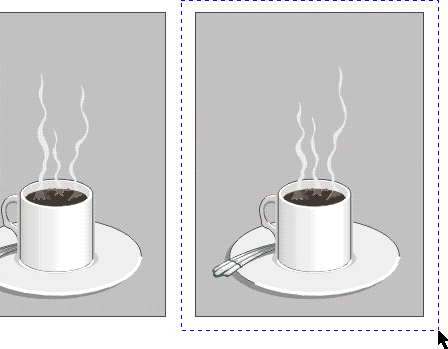
22. The selected frame should appear like the one below.
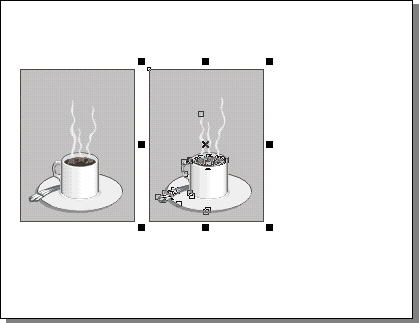
Click
Here To Continue...
|
|
|
|
|
| |
Previous
Home
Contact Mike
Related Sites
Next
Copyright
© 1998-2016 Mike Doughty, All Rights Reserved Legal
Notices
Page Last Revised: October 26, 2016
Privacy Policy
|
|
|
|
|
|
|
|
